Features Overview
As it turns out, I can put things ABOVE the three panels for Features, so we can actually change the home page, and put a larger video on top and make it the features page too, so that it has a little more cohesion and uses space effectively.

Feature 1
This is Features One. It was already on the template. This goes until the main image that spans across the website.
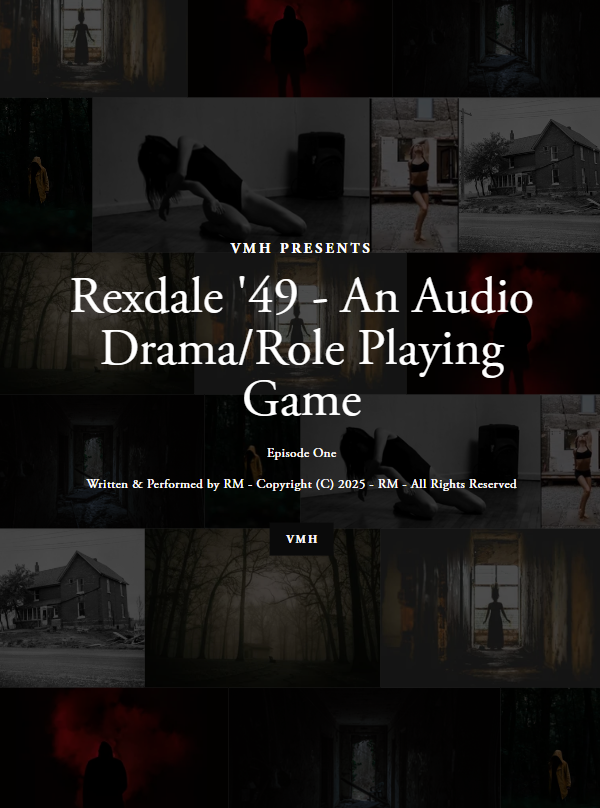
This could be Feature Two. It’s underneath the Rexdale Image. The Rexdale Image has the black audio player.
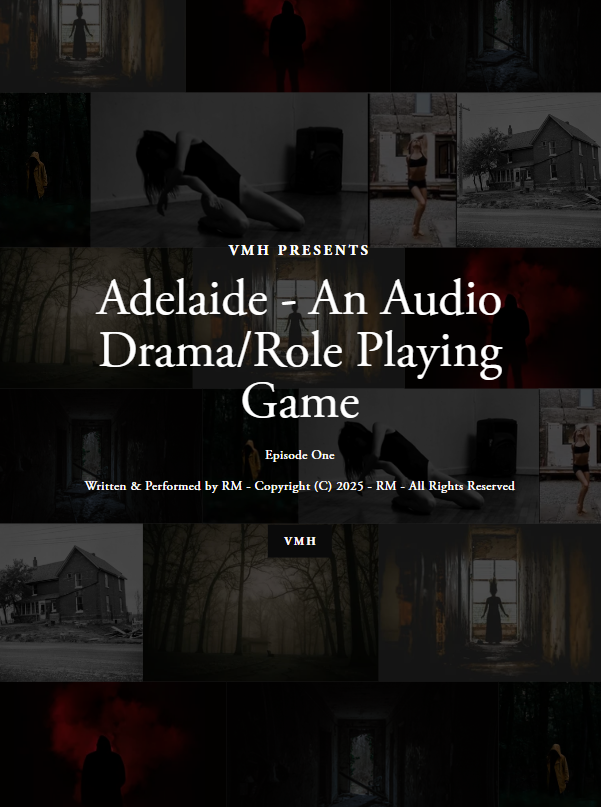
This could be Feature three. It’s underneath the Adelaide image. Below this should be the white player.

This is Text below the new image at the bottom of the Features three panels. Below this should be another dark audio panel (and it indeed is) Of note, on a cell phone, it shows up as the same sizes of panels.
This is Text That Is A Header Below The Black Audio panel
Above this text should be the YouTube Ellison.